

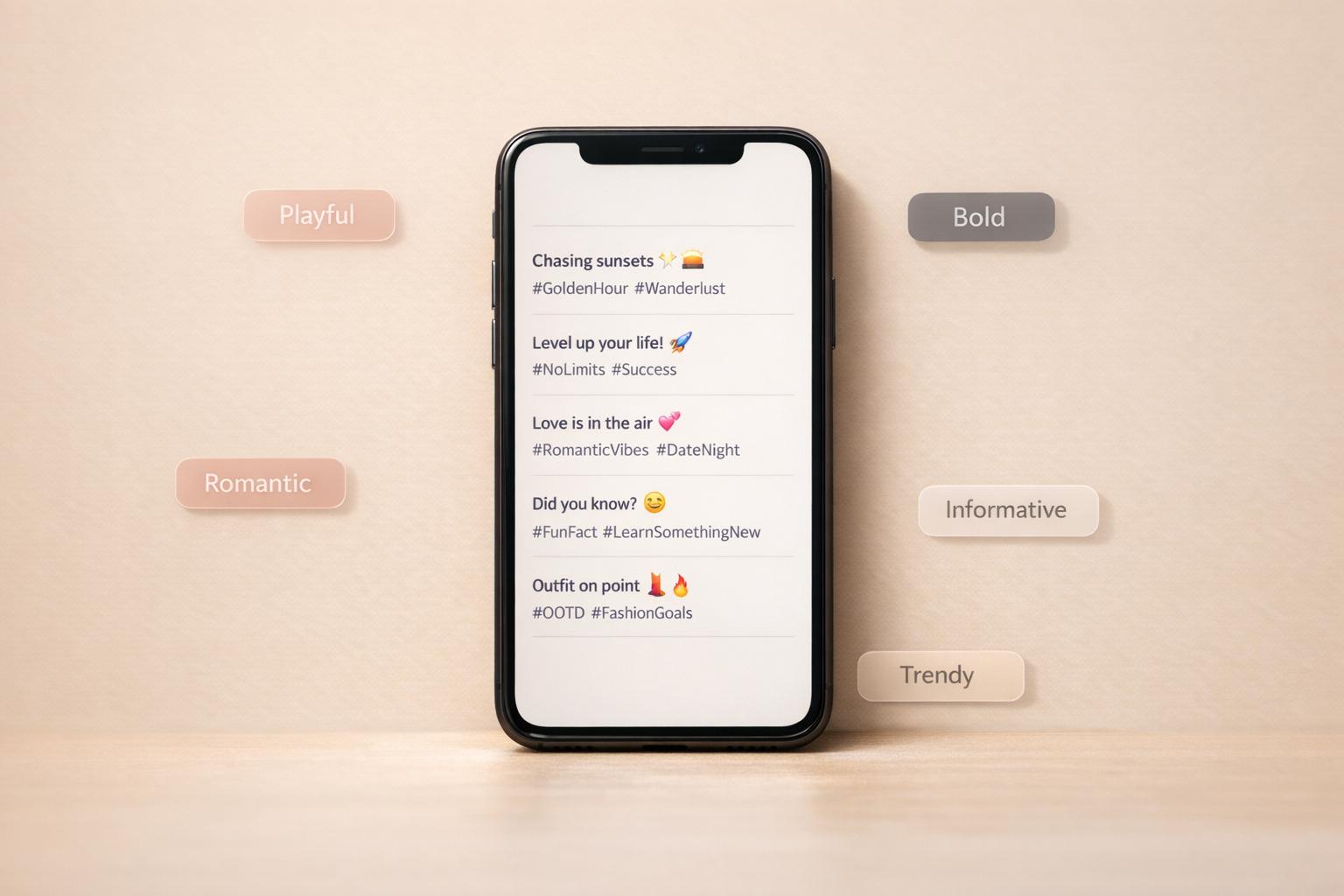
Write Better Captions Without Overthinking It
A strong Instagram post starts with the right words, but coming up with a caption on demand isn't always easy. Sometimes the photo is ready, the vibe is clear, and the caption is the only thing slowing you down. That's where an Instagram Caption Generator can make the process feel lighter and faster.
Built for Different Moods and Post Types
Whether you're sharing travel memories, a food snap, a workout update, or a personal moment, this tool helps you create lines that fit the post instead of sounding generic. You can choose a tone like funny, casual, witty, or inspirational, then add keywords such as beach, coffee, or gym to shape the result.
Quick Ideas You Can Actually Use
The best part is how practical it feels. Instead of long, awkward suggestions, you get five concise options that are easy to copy, edit, and post. Each one is designed to stay short, feel natural, and include hashtags when they make sense.
If you've ever stared at your screen trying to write something clever in ten seconds, an Instagram Caption Generator is a simple fix. It's a fast, useful caption-writing tool for anyone who wants better social posts with less effort.
FAQs
How does the Instagram Caption Generator create personalized captions?
The tool uses a mix of ready-made caption structures and your own inputs to shape each result. When you choose a post type, tone, and a few keywords, it builds captions that match the vibe you're going for. That means a fitness post with a witty tone will sound very different from a travel post with an inspirational feel. The goal is to give you captions that feel relevant, short, and usable right away.
Are the captions short enough for Instagram and do they include hashtags?
Yes. The captions are designed to stay under 150 characters, which makes them easy to read and ideal for quick engagement. When it makes sense, the tool can also include relevant hashtags without making the caption feel cluttered. You still have full control, so you can remove, swap, or add hashtags before posting.
What happens if I don't enter any keywords or specific details?
If you leave the inputs broad or empty, the tool can still generate versatile caption ideas that work across many types of posts. These are useful when you want something simple, flexible, and easy to adapt. You can use them as-is for a quick post or treat them as a starting point and personalize them with your own phrasing.




![Outfame Review – The Best Instagram Growth Service in 2026 [TESTED]](/cdn-cgi/image/fit=contain,format=auto,width=null/https://cdn.prod.website-files.com/67840d1d88a886f29a66a4c1/699476a6ce95840f57a98e14_outfame-homepage.png)













































![Top 7 Best Instagram Growth Services in 2025 [RESULTS]](/cdn-cgi/image/fit=contain,format=auto,width=null/https://cdn.prod.website-files.com/67840d1d88a886f29a66a4c1/6795d12917ee4501b9eddf73_6795c731964f791db3b566c4-1737870861582.jpg)

![UpGrow Review – The Top Instagram Growth Service in 2026 [UPDATED]](/cdn-cgi/image/fit=contain,format=auto,width=null/https://cdn.prod.website-files.com/67840d1d88a886f29a66a4c1/6795040db42e404207732526_6794fd9c964f791db3b48de9-1737818779111.jpg)